






What Makes a Gaming Chair Good for Remote Work? 7 Features to Look For

Working from home has changed how people think about desk setups. A chair that feels acceptable for an hour or two often becomes uncomfortable after a full workday filled with meetings, emails, focused tasks, and then a few hours of gaming or streaming in the evening.
Many remote workers are now searching for a gaming chair for remote work because they want something that combines ergonomic support, adjustability, and long-session comfort. The challenge is that not every gaming chair is designed with productivity in mind. If you're spending 8 to 12 hours a day at your desk, here are the seven features that matter most.
Quick Answer: A good gaming chair for remote work should provide adjustable lumbar support, a supportive headrest, customizable armrests, high-quality cushioning, reclining flexibility, durable materials, and sizing that matches your body type. These features help reduce fatigue, support posture, and make long work sessions more comfortable.
Why More Remote Workers Are Choosing Gaming Chairs
A few years ago, gaming chairs were primarily marketed toward gamers. Today, remote workers, content creators, students, and home office upgraders are adopting them for the same reason: they spend long hours sitting.
Based on common customer concerns, one of the biggest complaints among remote workers is having separate solutions for work and leisure. An office chair may lack the comfort features they want after hours, while a cheap gaming chair often fails to provide adequate ergonomic support. The ideal solution is a chair that works equally well during Zoom meetings, project work, and evening gaming sessions.
1. Adjustable Lumbar Support Is Non-Negotiable
Lower back discomfort is one of the most common issues for people who work from home all day. Many budget chairs rely on removable lumbar pillows. While these can help initially, they don't always stay positioned where your back needs support. An adjustable lumbar system allows you to fine-tune support based on your height, sitting posture, and daily activities.
| Feature | Fixed Lumbar Pillow | Adjustable Lumbar Support |
| Custom Fit | Limited | High |
| Long-Term Comfort | Moderate | Excellent |
| Posture Support | Basic | Advanced |
| Daily Adjustments | Not Possible | Easy |
For people spending multiple hours in front of a screen, adjustable lumbar support is often the difference between ending the day feeling productive versus feeling sore. Explore ergonomic options in Blacklyte's gaming chair collection.
2. A Proper Headrest Helps Reduce Neck Strain
Remote workers frequently switch between video calls, spreadsheets, and focused work. This constant movement often causes people to lean forward, creating tension in the neck and shoulders. A quality headrest helps maintain better alignment while providing support during short breaks or reclined positions. Magnetic head pillows are especially useful because they can be repositioned quickly without straps or complicated adjustments. For example, the Blacklyte Magnetic Head Pillow is designed to provide targeted neck support while remaining easy to adjust.
3. 4D Armrests Improve Comfort During Long Work Sessions
Many people underestimate how much arm positioning affects overall comfort. When armrests are too high, shoulders become tense. When they're too low, users tend to hunch forward.
4D armrests allow adjustments in:
- Height
- Width
- Depth
- Angle
This flexibility helps support your elbows during typing, meetings, and gaming. Remote workers who spend hours on keyboards often notice reduced shoulder fatigue when armrests are properly adjusted.
4. High-Density Foam Matters More Than Appearance
One of the biggest mistakes buyers make is choosing a chair based solely on aesthetics.
A chair may look impressive in photos but become uncomfortable after several weeks if the seat cushion loses its shape.
High-density foam offers several advantages:
- Better pressure distribution
- Improved durability
- Consistent support over time
- Reduced discomfort during extended sitting
For people who work from home every day, seat quality directly impacts comfort and productivity.
5. Recline Functionality Supports Different Work Modes
Remote work isn't always the same activity. You might spend the morning in meetings, the afternoon focused on deep work, and the evening reviewing content or gaming. Different tasks benefit from different sitting positions.
A quality gaming chair should offer a generous recline range so you can:
- Sit upright during meetings
- Slightly recline during focused work
- Relax during breaks
- Stretch between tasks
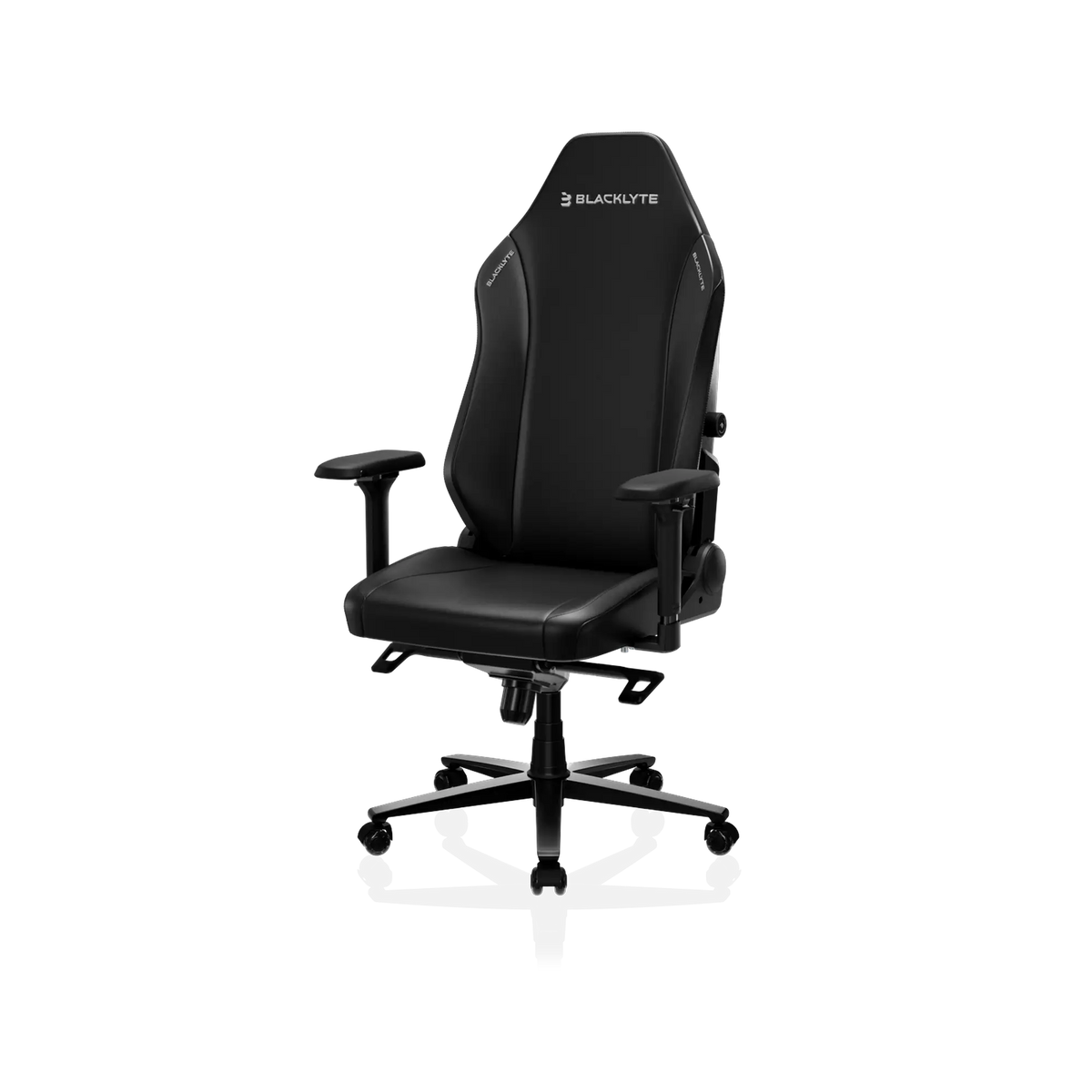
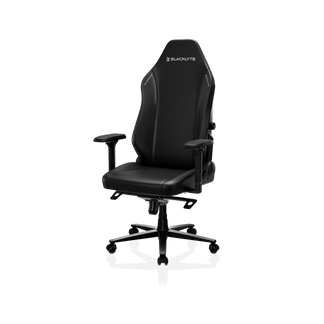
The ability to change posture throughout the day helps reduce stiffness and encourages healthier sitting habits. The Blacklyte Athena Pro Gaming Chair offers multiple ergonomic adjustments designed for work, gaming, and long sitting sessions.
6. Material Choice Affects Daily Comfort
The material covering your chair influences how comfortable it feels throughout the year.
Common options include:
| Material | Best For | Considerations |
| Leatherette | Easy cleaning | May feel warmer in a hot environment |
| Fabric | Breathability | Requires more maintenance |
| Hybrid Materials | Balanced comfort | Varies by model |
Remote workers living in warmer climates often prioritize breathable materials, while others may prefer the premium appearance and easy maintenance of leatherette finishes. The right choice depends on your environment and personal preferences.
7. The Chair Must Fit Your Body Type
Even the most feature-rich chair can feel uncomfortable if it doesn't match your size.
Before purchasing a gaming chair for remote work, consider:
- Seat width
- Seat depth
- Backrest height
- Weight capacity
- Shoulder support
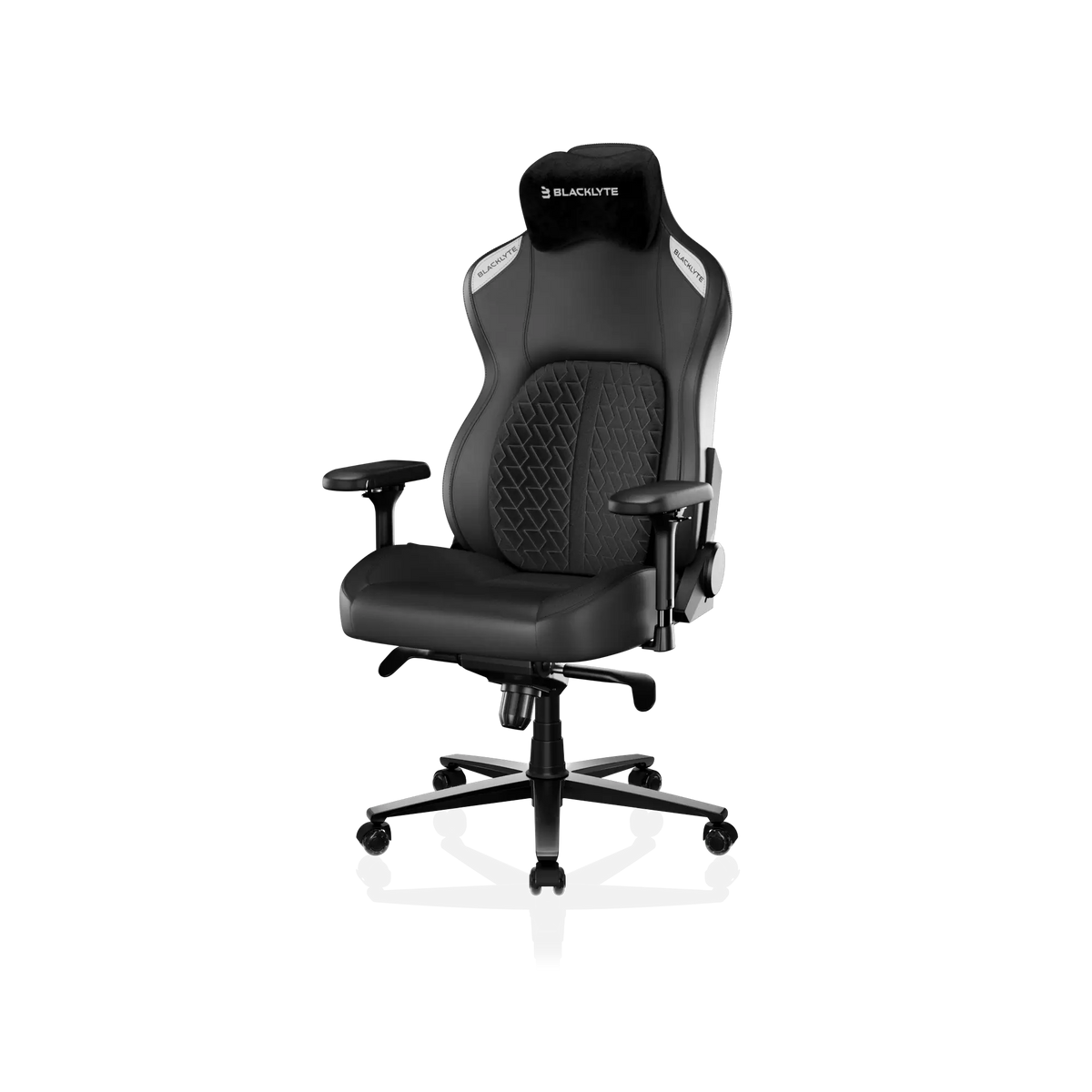
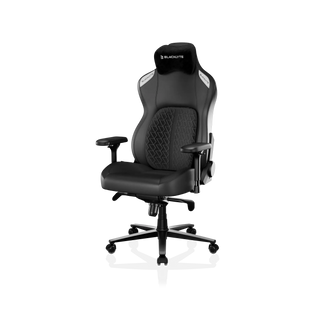
This is especially important for taller users or those who feel cramped in standard office chairs. The Blacklyte Kraken Pro Gaming Chair is designed with enhanced support and a roomier seating experience for users who need additional space and ergonomic comfort:
Comparison: Gaming Chair vs Traditional Office Chair for Remote Work
| Feature | Gaming Chair | Traditional Office Chair |
| Recline Range | Extensive | Limited |
| Headrest Support | Usually included | Often optional |
| Lumbar Adjustability | Common on premium models | Varies |
| Long Session Comfort | Strong | Varies by model |
| Gaming & Working Use | Excellent | Primarily work-focused |
| Setup Aesthertics | Modern | Traditional |
For many remote workers, a gaming chair provides a better balance between productivity and relaxation.
Key Takeaways
Choosing the right gaming chair for remote work isn't about flashy designs or gaming branding. It's about finding a chair that supports your body during long hours of sitting. The most important features include:
- Adjustable lumbar support
- Supportive headrest
- 4D armrests
- High-density foam cushioning
- Flexible recline settings
- Comfortable materials
- Proper sizing for your body type
For remote workers who want one chair for work, gaming, and everyday use, investing in ergonomic support can improve both comfort and productivity. If you're ready to upgrade your workspace, explore Blacklyte's full collection of ergonomic gaming chairs designed for long-session comfort.