
Gaming Chairs and Scoliosis: Support Features That Actually Matter
If you have scoliosis, you already know that not all seating feels the same. A chair that works fine for someone else can leave you shifting, aching, and dreading the next raid or ranked match before it even starts. The asymmetrical curvature of a scoliotic spine creates uneven pressure across the lower back, hips, and shoulders — and most chairs are simply not built with that reality in mind.
The good news is that the right gaming chair, dialed in with the right features, can make a meaningful difference. Not by correcting your spine — that's a conversation to have with your physio or orthopedic specialist — but by reducing the mechanical load, distributing pressure more evenly, and keeping you in a posture that doesn't actively aggravate your condition. This guide breaks down exactly which support features matter, which ones are mostly marketing, and how to evaluate your options if you're shopping with scoliosis in mind.
Why Sitting Is So Hard With Scoliosis
Scoliosis causes the spine to curve laterally — often in an S or C shape — rather than running straight from neck to pelvis. This curvature means that the muscles, discs, and joints on either side of the spine experience very different levels of stress during any given position. Sitting for extended periods compounds this: without proper support, the body tends to slump toward the side of the curve, increasing compression on the concave side and stretching the muscles on the convex side. Over a long gaming session, that imbalance accumulates into fatigue, pain, and sometimes nerve irritation.
The challenge with most generic chairs — and even many gaming chairs — is that they're designed for a symmetrical spine. Their lumbar curves, seat contours, and back panels are built around an idealized posture that simply doesn't account for lateral deviation. This is why feature quality and adjustability matter so much more for scoliosis sufferers than for the average buyer. You're not just looking for comfort. You're looking for a chair that can be configured to support your specific body.
Lumbar Support: The Feature That Does the Most Work
Of all the support features in a gaming chair, lumbar support has the greatest direct impact on spinal health during long sessions. The lumbar region — the lower five vertebrae of the spine — bears the majority of compressive load while seated. In people with scoliosis, that load is already unevenly distributed, which means inadequate lumbar support can quickly translate into muscle fatigue and pain on the more-loaded side.
What you want is not just any lumbar support, but one that is genuinely adjustable. Fixed lumbar protrusions do very little for scoliosis because they can't account for where your personal curve peaks or how your pelvis is positioned. Adjustable systems that allow you to move the support forward and backward — changing how firmly it presses into your lower back — are far more valuable. Height adjustment adds another dimension of usefulness, letting you center the support precisely where your lumbar curve begins.
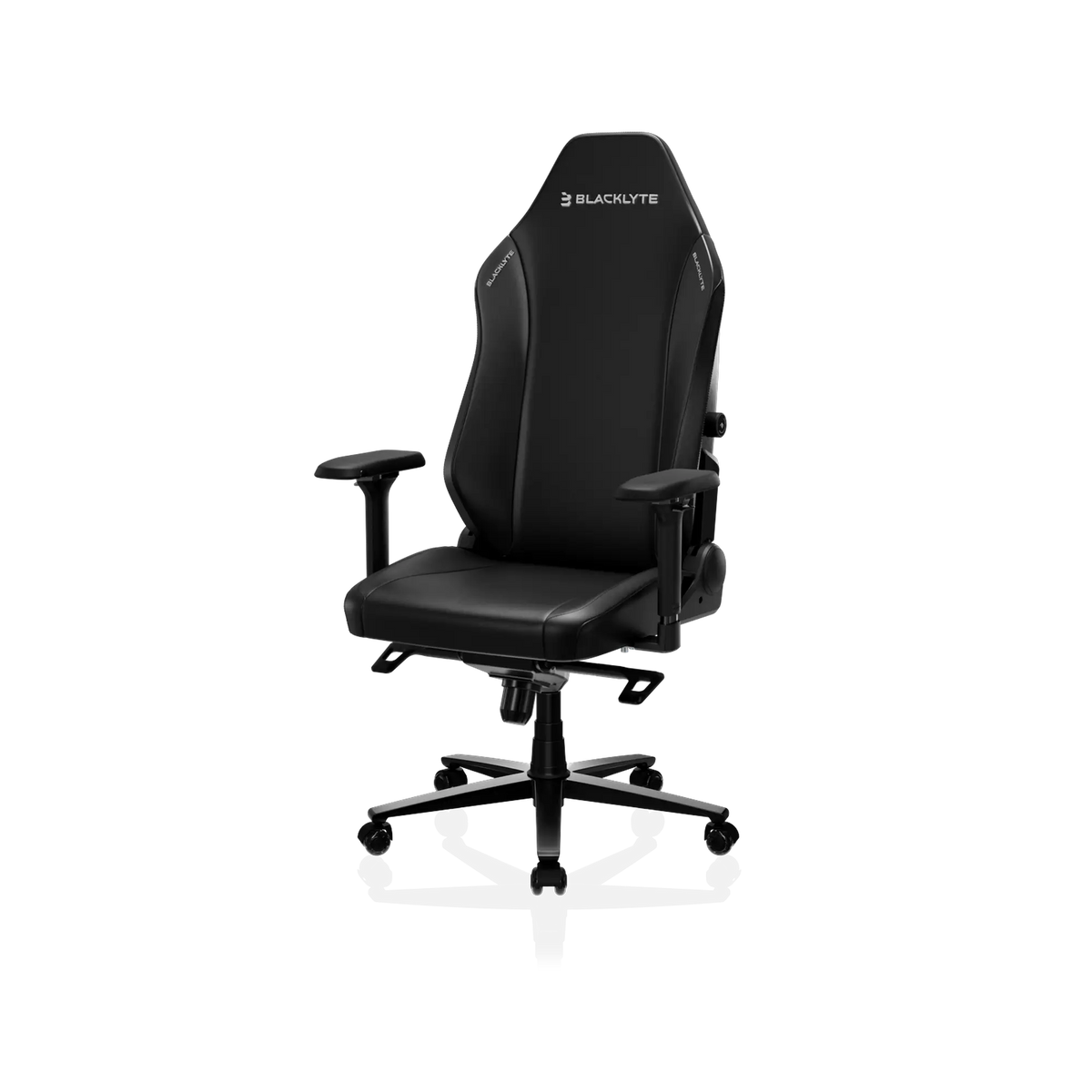
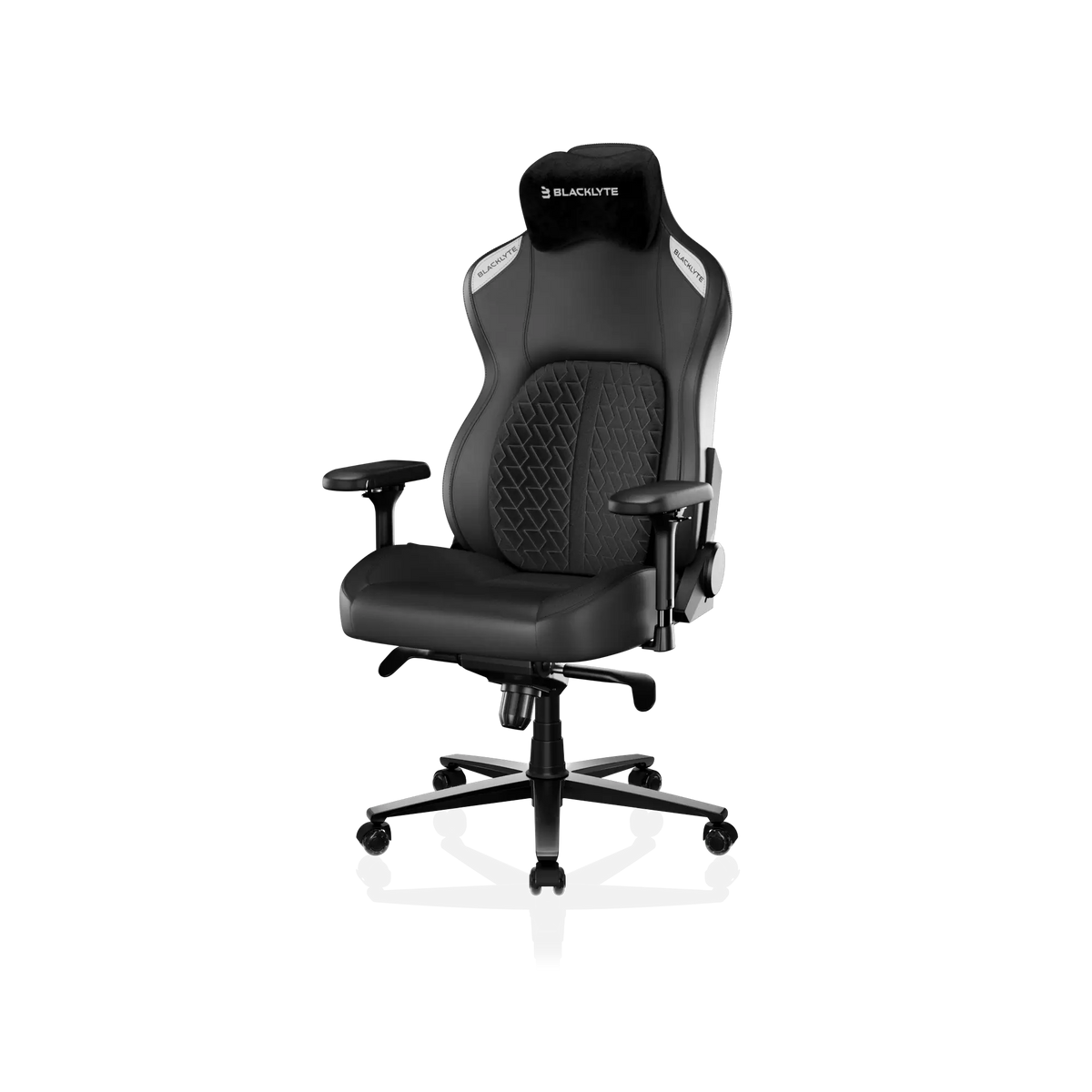
Blacklyte's chairs address this at different levels depending on the model. The Athena Pro features a built-in 4-way adjustable lumbar system with independent up/down height control and front/back depth adjustment — giving you genuine fine-tuning capability. The Kraken Pro includes a built-in floating lumbar with front/back fine-adjustment and a locking mechanism, though it does not have a separate height axis.
Backrest Design and Spinal Contact
The shape of the backrest determines how much of your back actually makes contact with the chair — and contact area matters for scoliosis. A backrest with deep side bolsters (the raised wings on either side of the panel) can actually be problematic for people with significant lateral curvature, because the bolsters are designed to cradle a straight spine and may press uncomfortably against a deviated one. Conversely, a backrest that's too flat offers no guidance at all.
The ideal backrest for scoliosis has moderate contouring: enough to encourage an upright posture without forcing your spine into a symmetrical mold it can't achieve. Taller backrests are generally preferable because they provide support from the pelvis all the way through the thoracic (mid-back) region, reducing the work your spinal muscles have to do independently. Material also plays a role — a firmer foam core in the backrest maintains its shape under sustained pressure rather than compressing into a formless pad over time. Blacklyte uses contour foam throughout all chair backrests across the current lineup, which retains structure session after session.
Seat Foam Density and Pressure Distribution
The seat cushion is where scoliosis-related asymmetry often shows up first. Because the pelvis may be slightly tilted or rotated in people with spinal curvature, one sit bone (ischial tuberosity) frequently bears more weight than the other. Over time, a soft or low-density foam seat will compress unevenly under that asymmetrical load, effectively tilting the pelvis further and worsening the postural chain all the way up the spine.
High-density foam resists this kind of uneven compression. It distributes load across a larger surface area and maintains its profile for significantly longer than budget foam, which means your seating position stays consistent throughout a long session rather than gradually sinking on one side. Blacklyte chairs use high-density cold-cure foam across the lineup, with seat foam density ranging from 45 to 60 kg/m³ depending on the series. The flagship Athena Pro goes further by layering memory foam over a contour-foam core — infused with bamboo charcoal and silver ions — which allows the seat to conform more closely to your individual sit-bone shape. The Athena and Kraken Pro use contour foam seats, which remain supportive and resilient under sustained use.
Armrests and Their Role in Spinal Load
Armrests might seem like a comfort feature rather than a structural one, but they carry real postural significance for scoliosis sufferers. When your arms are unsupported, the weight of your upper limbs pulls on your shoulder girdle, which in turn tugs on the thoracic spine. For someone with thoracic curvature, that additional rotational pull can increase muscle tension on the already-overworked side of the back.
The critical spec here is 4D adjustability: the ability to move armrests up/down, forward/backward, side to side, and to rotate them inward or outward. Because scoliosis rarely presents symmetrically, the ability to set your left and right armrests independently to different heights or angles can be transformative. A 2D or 3D armrest system forces a compromise; a 4D system lets you support each arm exactly where it needs to be. All Blacklyte gaming chairs across the full lineup ship with 4D armrests as standard, which makes this one less thing to compromise on regardless of which model you choose. You can explore the full range at Blacklyte Gaming Chairs.
Recline, Tilt, and Taking Pressure Off Your Spine
One of the most underappreciated ergonomic principles for scoliosis is that staying in any single position for too long — even a well-supported one — is damaging. Intervertebral disc pressure increases when you sit upright and decreases when you recline. This means the ability to periodically shift your back angle isn't a luxury feature; it's genuinely protective for spinal health.
A wide recline range gives you the flexibility to alternate between more upright postures for active play and a relaxed recline during cutscenes, loading screens, or casual browsing. All three current Blacklyte chair models recline across a 90° to 149° range, which covers both productive upright sitting and a genuine rest position. The tilt mechanism in Blacklyte chairs is a frog-type tilt with adjustable tilt tension, allowing a backrest tilt of approximately 14°. Adjustable tilt tension is worth noting specifically for scoliosis because a tension that's too light may let you slump without noticing, while tension that's well-matched to your body weight keeps the backrest responsive to your movement. You can compare all models side by side at the Chair Comparison page.
Height and Positioning: Getting the Basics Right
Before any of the advanced features can do their job, your chair needs to be at the right height. For scoliosis, proper height positioning helps ensure that your hips stay at or slightly above knee level, which naturally reduces the posterior pelvic tilt that flattens the lumbar curve and places extra stress on spinal discs. Blacklyte chairs use a Class 4 hydraulic gas piston, which provides smooth, reliable height adjustment across a comfortable range for most body types.
It's also worth thinking about your desk height as a complementary factor. If your desk is too high for your seated position, your shoulders will elevate to compensate — which feeds directly into thoracic tension. A height-adjustable standing desk like the Blacklyte Atlas Desk or the Atlas Lite Standing Desk allows you to precisely sync desk height with your chair height, so your entire workstation is calibrated around your body rather than the other way around. This kind of full-system ergonomic setup can be particularly valuable for people managing a chronic spinal condition. For more on building an ergonomically sound setup, the Blacklyte Ergonomics guide is a useful reference.
Which Blacklyte Chair Works Best for Scoliosis
Matching the right chair to a specific condition depends on both the severity of the curvature and your personal priorities, but a few general observations apply. If lumbar customization is your top priority — and for most scoliosis sufferers it should be — the Athena Pro is the strongest option in the lineup. Its 4-way adjustable built-in lumbar system, memory foam over contour-foam seat, aluminum alloy base, and full 4D armrests combine to give you the most adaptable support configuration available. It's Blacklyte's flagship chair for a reason.
The Kraken Pro is a compelling premium option for those who want a built-in lumbar solution with a slightly different feel. Its floating lumbar with front/back adjustment offers genuine support customization, and its aluminum alloy base and 4D armrests match the Athena Pro's structural quality. It doesn't offer independent lumbar height adjustment, so if your lumbar curve peaks at an unusual height, the Athena Pro will serve you better.
Beyond the Chair: Habits That Protect Your Back
No chair, however well-engineered, eliminates the need for movement. The human spine is designed for dynamic loading — compression, extension, rotation — not static holding. Even in the best-configured chair, sitting continuously for hours will gradually fatigue the muscles supporting a scoliotic spine. The solution is simple in principle: build regular movement breaks into your session. Standing up, doing a short walk, or performing some gentle spinal mobility every 45 to 60 minutes dramatically reduces accumulated tension.
Pairing your chair with a height-adjustable desk creates the option to alternate between sitting and standing during longer sessions, which distributes the mechanical load across different muscle groups and prevents the compressive buildup that makes prolonged sitting painful. For gaming-specific ergonomic guidance — including monitor placement, keyboard positioning, and session management tips — Blacklyte's Gaming Hub offers practical, well-researched recommendations tailored to how gamers actually sit and play.
Finally, it bears repeating that a chair is a tool for support, not a treatment. If you have scoliosis and are experiencing significant pain, limited mobility, or worsening symptoms, working with a physiotherapist or spine specialist is the most important step you can take. The right ergonomic setup complements that professional care — it doesn't replace it.
The Bottom Line
Gaming chairs and scoliosis can coexist — but only if you're choosing based on the right criteria. Adjustable lumbar support (especially systems with both depth and height control), high-density seat foam that resists uneven compression, 4D armrests that can be independently configured, a meaningful recline range, and smooth height adjustment are the features that genuinely move the needle for people with spinal curvature. Marketing language and aesthetic design matter far less than these mechanical specifics.
Blacklyte's lineup is built around exactly the kind of ergonomic engineering that scoliosis demands — with 20 years of expertise, proprietary materials, and adjustability engineered into every chair from the ground up. Use the Chair Comparison tool to match specs to your specific needs, and don't hesitate to reach out with questions before you buy.
Not Sure Which Chair Is Right for You?
Our team understands that choosing a chair with scoliosis in mind is a more personal decision than most. If you have questions about specific features, dimensions, or which model fits your needs, we're happy to help.
Contact Blacklyte SupportOr browse the full lineup at Blacklyte Gaming Chairs and use our Chair Comparison tool to evaluate specs side by side.