








Does a Gaming Chair Really Help With Back Pain

If you’ve gamed long enough, you know that feeling. The match ends, everything goes quiet, and suddenly your lower back makes itself known. Sometimes it’s a slow stiffness; sometimes it’s a sharp little jab that shows up out of nowhere. It happens more often than most gamers admit. Many gamers start searching for a gaming chair for back pain only after they realize how long hours and poor posture are affecting their spine. With so many chairs claiming perfect posture and pain-free sessions, it’s normal to wonder if any of it actually works. The truth isn’t a clean yes or no. It depends on how people actually sit—leaning forward, slouching during long queues, shifting without noticing. Understanding these causes helps explain why choosing the right gaming chair for back pain actually matters.
Common Reasons Gamers Develop Back Pain
Back pain rarely comes from a single cause. It's usually a combination of habits we don’t notice until the symptoms hit.
- Extended sessions without breaks
Hours of continuous sitting compress the spine and reduce circulation. Even competitive players with good posture can feel soreness after a full day of scrims or grinding a new release.
- Leaning toward the screen
This is the classic “gamer hunch.” In fast-paced shooters or strategy games, leaning forward feels natural—but it shifts pressure to the upper back, shoulders, and neck.
- Poor monitor and desk alignment
Even the best chair can’t compensate for a monitor that’s too low or a desk that forces your arms to lift awkwardly. Misalignment multiplies strain.
- Using a chair not designed for long hours
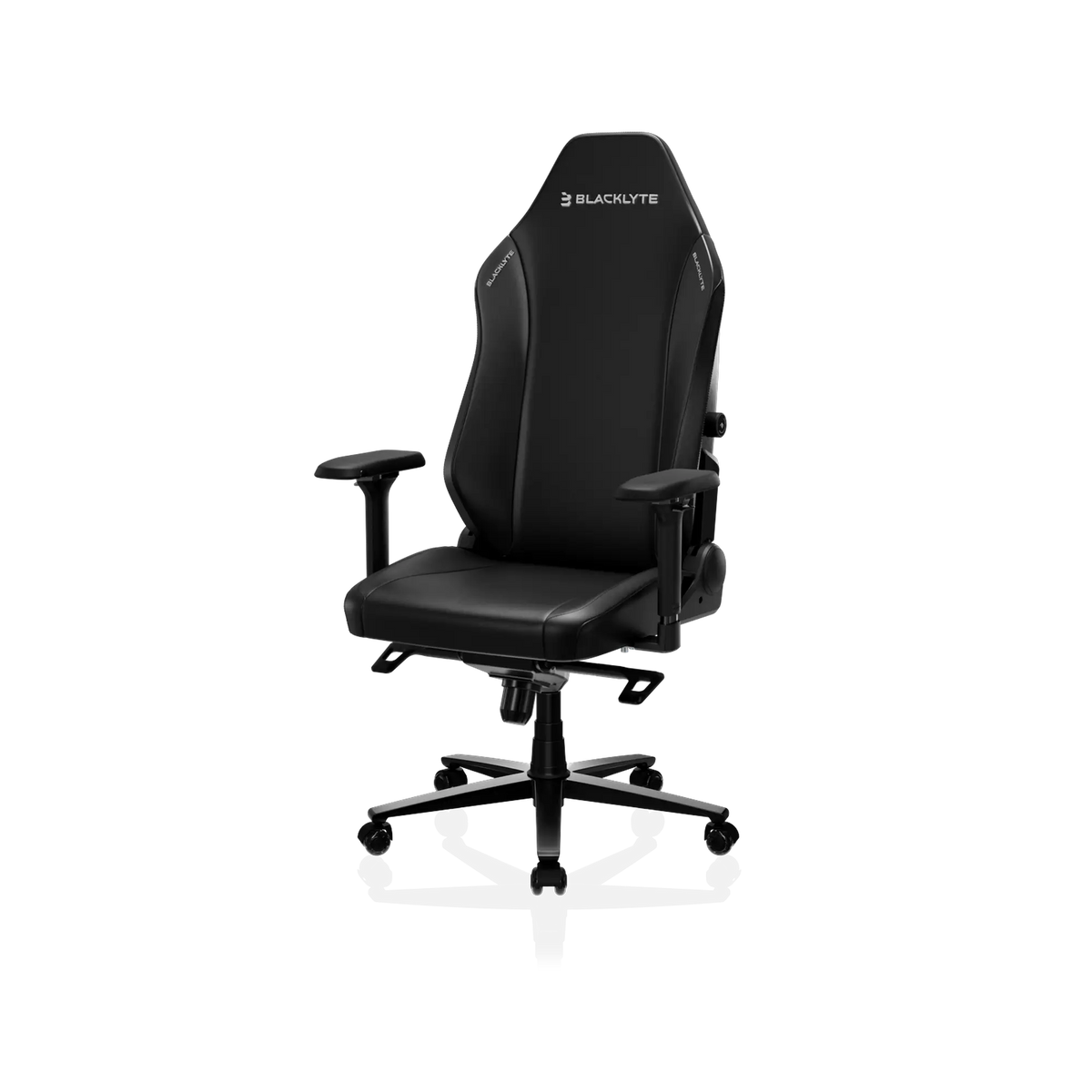
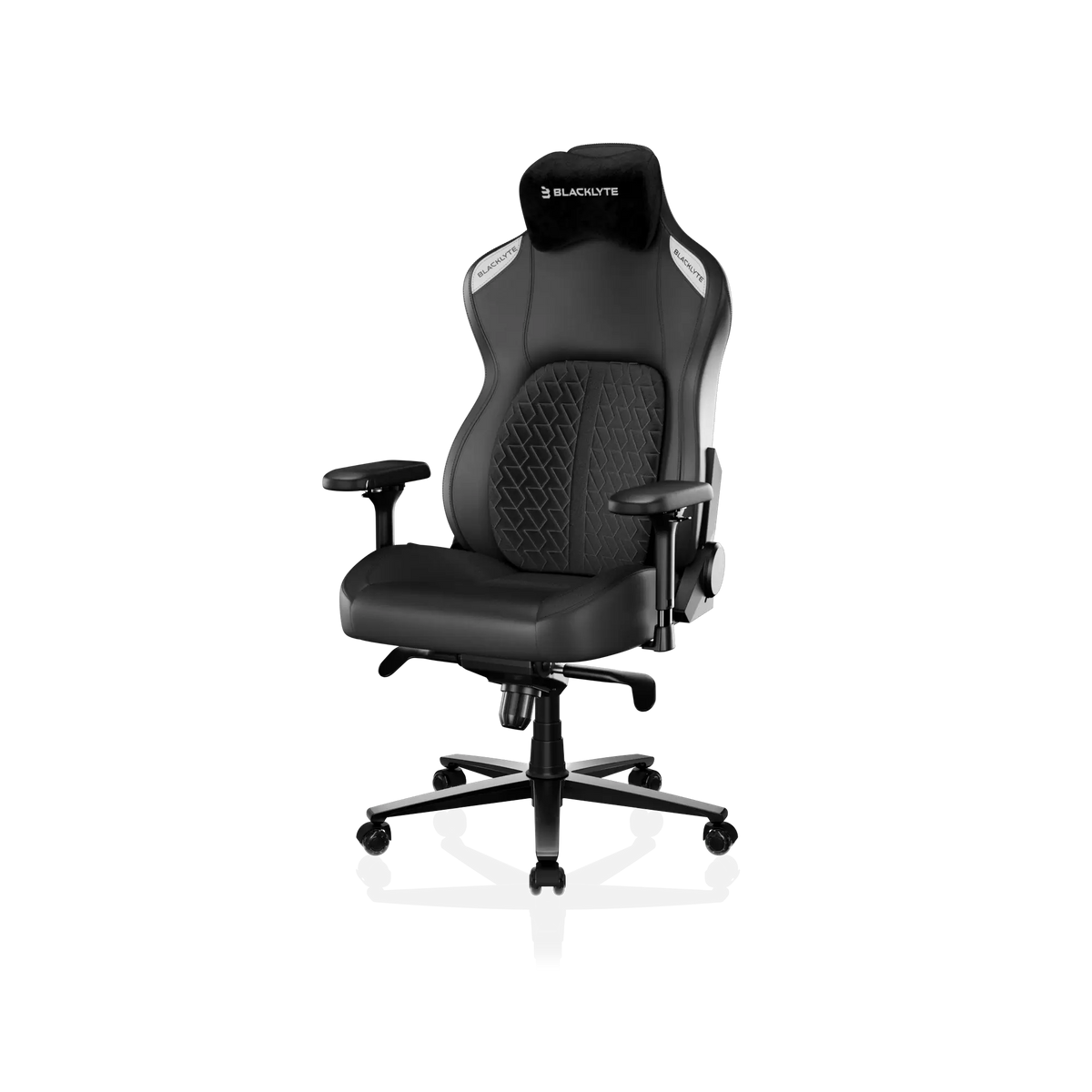
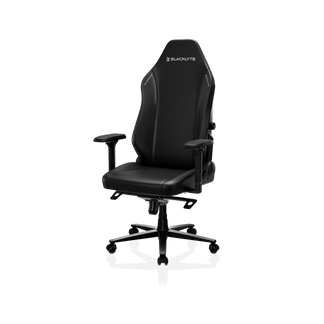
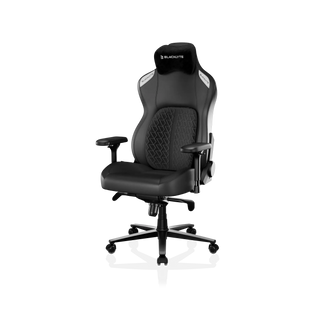
Kitchen chairs, dining chairs, and low-cost office chairs weren’t designed for marathon gaming. Without proper lumbar structure and back height, your spine is forced into positions it can’t hold comfortably. Back pain isn’t just about what we sit on; it’s about how our environment works together. That’s why chairs built specifically for long hours matter. Models like Blacklyte Athena Pro and Kraken Pro use full-length back support and structured lumbar zones that prevent the spine from collapsing during extended sessions.
When the Wrong Gaming Chair Makes Pain Worse
Not every “gaming chair” earns the label. A poorly designed chair can make a bad back even worse, which is why not every gaming chair for bad back lives up to its promise. Common problem features:
- Fixed backrests that force a rigid position
- Lumbar pillows that aren’t adjustable and sit in the wrong spot
- Narrow shoulder wings that squeeze broader frames
- Foam that collapses quickly, removing support
- Armrests with no height or angle adjustments
A gaming chair isn’t automatically ergonomic. It must fit your body, match your posture, and adapt to your setup. Otherwise, the design becomes a liability—not a solution. These issues are exactly why Blacklyte designs avoid rigid, one-size-fits-all structures. For example, the Athena Pro offers adjustable lumbar depth, flexible headrest pillow and armrests, and high-density foam that maintains structure under long-term use.
Features of the Best Gaming Chairs for Back Pain
A well-engineered ergonomic gaming chair for back pain does more than elevate your setup visually—it helps redistribute pressure, protect your spine’s natural curve, and support your body during long sessions. These improvements come directly from ergonomic design benefits built into modern ergonomic chairs. Below are the ergonomics that matter most.
- Adjustable Lumbar Support
A lumbar pillow that can be moved up or down helps your spine maintain its natural curve. Even small adjustments can make a big difference during long gaming sessions.
- Headrest and Neck Support
Leaning back without a proper headrest often leads to neck tension. Chairs with ergonomic headrests help prevent upper back and neck discomfort.
- High Back Design
A chair that supports your entire back, including your shoulders, distributes your weight more evenly and reduces upper back strain.
- Reclining Function
Being able to tilt your chair between roughly 105° and 115° allows your spine to relax. A reclining range like the 90°–135° found on Blacklyte gaming chairs lets your spine relax during breaks. Even a short break in a slightly reclined position can ease pressure on your lower back.
- High-density foam
Soft foam feels good at first—but collapses quickly. Overly hard foam creates pressure points. Quality gaming chairs use high-density foam that adapts while still holding structure, preventing that “sinking slouch” that ruins posture.

- Adjustable Armrests
4D armrests (height, width, angle, and depth adjustments) help keep shoulders relaxed and forearms supported, preventing upper back tension.
A good gaming chair for posture doesn’t “fix” back pain on its own—but it eliminates the environmental triggers that create it.
Why Gaming Chairs Fail for Some Gamers
This is the part most people overlook: A great gaming chair for bad back doesn’t automatically create great posture. Three common issues:
- Incorrect adjustments
Lumbar too low
Backrest too vertical
Armrests too high
Feet hanging instead of grounded
Even small misalignments compound over hours
- The wrong chair size
A chair built for the wrong height range or weight range can't provide proper support.
This is one of the most common issues among gamers shopping only by design or color.
- Habits overpower ergonomics
If you constantly lean forward, sit on the edge of the seat, or curl your spine during intense moments, even the best gaming chair for posture becomes less effective.
Good equipment supports good posture—it doesn’t replace it.
How to Adjust a Gaming Chair for Back Pain Relief
Getting your gaming chair actually to help with back pain doesn’t take much, but the details matter. Start by adjusting the lumbar pillow until it fits the curve of your lower back—don’t just leave it where it came out of the box. Tilt the backrest slightly so your spine isn’t holding all the tension, somewhere that feels natural rather than “perfect on paper.”
Your armrests should let your elbows rest comfortably without lifting your shoulders, and keeping your feet flat on the floor makes the whole posture more stable. Most importantly, sit back fully instead of perching on the edge; letting the chair support you takes a surprising amount of pressure off your back. These are small tweaks, but they add up—especially if you spend hours glued to your screen.
Long-Term Benefits of an Ergonomic Gaming Chair
It’s important to be realistic: a gaming chair won’t cure existing back conditions. However, ergonomic chairs for posture and performance can encourage proper posture, reduce spinal pressure during extended play, and support the natural curvature of your spine.
Combining a quality gaming chair with regular posture checks, breaks, and simple back exercises is the most effective way to prevent chronic discomfort. Investing in a long-lasting ergonomic chair—such as Blacklyte gaming chairs built with high-density foam and reinforced steel frames—helps ensure your spine gets consistent support over months of use.
Conclusion
Let's get back to the question: Does a gaming chair actually help with back pain? In most cases, yes—just not magically and not if you’re using the wrong setup. The things that matter are the basics: real lumbar support you can move, a backrest that actually fits your frame, and a seat that doesn’t flatten out after a month. Small details, but they add up. If you’re someone who spends long hours at the desk, the right gaming chair for bad back—and a few minutes adjusting it to your body—can change how your back feels after a session. That’s something we think about a lot at Blacklyte. Our chairs were shaped around player feedback: adjustable lumbar and head support, 4D armrests, and high-density foam that doesn’t cave in. It’s not just about comfort; it’s about keeping your back from paying the price later. For gamers who want consistent support during long sessions, Blacklyte’s ergonomic lineup offers designs built specifically to reduce long-term back strain.